
Restaurant food cost and labour reporting you can still act on
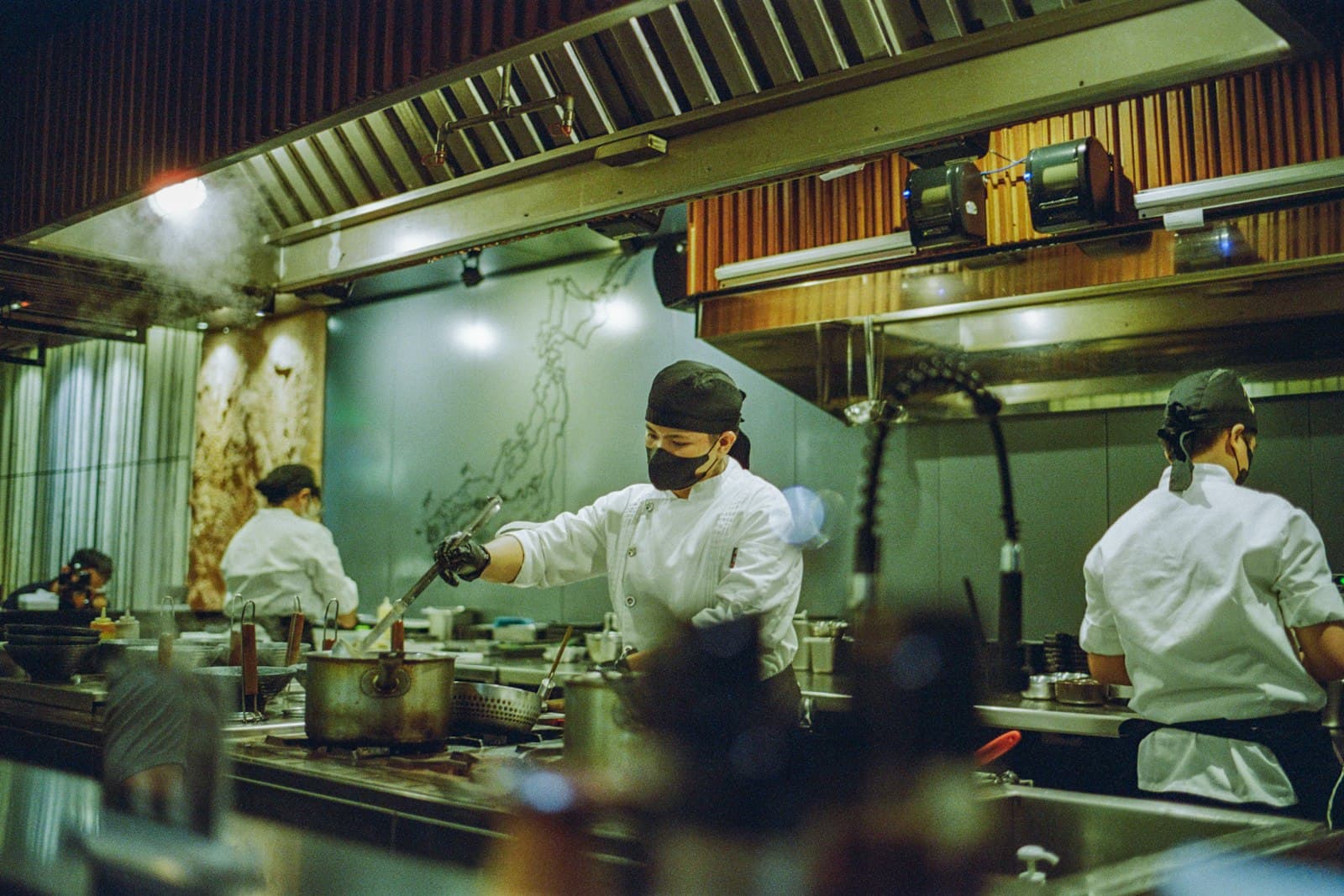
Restaurant food cost and labour are the two biggest costs most operators control, and they’re usually the last to be seen. The monthly P&L arrives, food cost is up, and everyone tries to remember what happened three weeks ago. Was it the new supplier? The special that didn’t sell? The Tuesday you were overstaffed? By then nobody knows, and the next month starts the same way.
The fix isn’t a better spreadsheet at month end. It’s getting the same numbers daily, broken down far enough that you can see which item, which shift or which server they belong to.
Restaurant food cost: by item, not just in total
A single cost-of-goods percentage tells you something went wrong. Cost of goods against sales by item tells you what. When one dish’s margin slides because an ingredient price went up, it shows up in that dish’s line before it drags the total. Then you can decide: reprice it, re-spec it, or accept it because it brings people in.
Alongside that, a few other numbers explain most of the gap between theoretical and actual cost:
- Waste against prep — what was prepped, what was sold, and what went in the bin.
- Voids and comps by server and by shift. Usually innocent, sometimes a training issue, occasionally something else.
- Discount use, so a promotion’s real cost is visible next to what it brought in.
Labour: against covers, not just hours
Total labour hours on their own don’t tell you much. A forty-hour shift is cheap on a night you do three hundred covers and expensive on a night you do ninety. Labour hours and cost per cover puts the two side by side, by day and by daypart, so the over- and under-staffed shifts stand out.
As a hypothetical, if labour per cover on Tuesday dinner runs consistently higher than Thursday’s, you have a concrete question to ask: is Tuesday overstaffed, or under-marketed? The answer could be fewer people on the schedule — or a slow-Tuesday text to your guest list, which we cover in SMS marketing for restaurants.
Covers against the book
Labour is scheduled against the covers you expect. Covers against the book by hour, and no-show rate by booking source, show how far the night you planned was from the night you got. If one booking source no-shows far more than the others, that’s worth knowing before you staff for it.
Where the data comes from
Most of this already exists in your systems. Sales, items, voids and comps live in the POS — Toast or Square. Bookings and no-shows live in the reservation book — OpenTable, Resy, SevenRooms or Tock. Table times come from the floor, which we’ve written about in table turn times. The work is pulling them together and putting them in front of you daily, in a form you can read in a few minutes.
Built to your rooms
A template report built for every restaurant fits none of them. A group with three locations needs to compare them; a single room with a bar and a dining room needs to split them. If you can define the number, it can be reported. A reasonable place to start:
- A daily close-out: covers against the book, sales, cost of goods against sales, labour against covers.
- A weekly look at item margins and waste against prep.
- Voids, comps and discounts by server and shift, reviewed by a manager each week.
- Turn times by section and daypart, next to labour for the same shifts.
Common traps
- Reading percentages without the volume behind them. A food cost that looks high on a slow night may just be fixed waste spread over fewer covers.
- Treating every void as a problem. Most are honest corrections; look for patterns by server and shift, not single entries.
- Cutting labour on a quiet night that’s quiet because service was slow the week before. Check turn times and reviews for the same shifts first.
What to do with it
A report only pays for itself if someone acts on it. Pick one number a week to work on — one dish’s margin, one shift’s labour, one server’s comps — and check whether it moved. Daily numbers make that possible because you see the result while you still remember what you changed.
You can see the full list of reports we run on our Reporting & Audits section for restaurants.
Common questions
How do you track restaurant food cost by item?
Compare cost of goods against sales for each item, not just as one percentage. When a dish’s margin slides because an ingredient price went up, it shows in that dish’s line before it drags the total. Waste against prep, voids and comps, and discount use explain most of the rest of the gap between theoretical and actual cost.
How should a restaurant measure labour cost?
Against covers, not just hours. Labour hours and cost per cover, by day and by daypart, show which shifts are over- or under-staffed in a way that total hours can’t.
How often should you review food and labour costs?
Daily, so you see the result while you still remember what you changed. A reasonable rhythm is a daily close-out, a weekly look at item margins and waste against prep, and a weekly manager review of voids, comps and discounts by server and shift.