
Augmented reality in restaurants: letting guests see the plate first
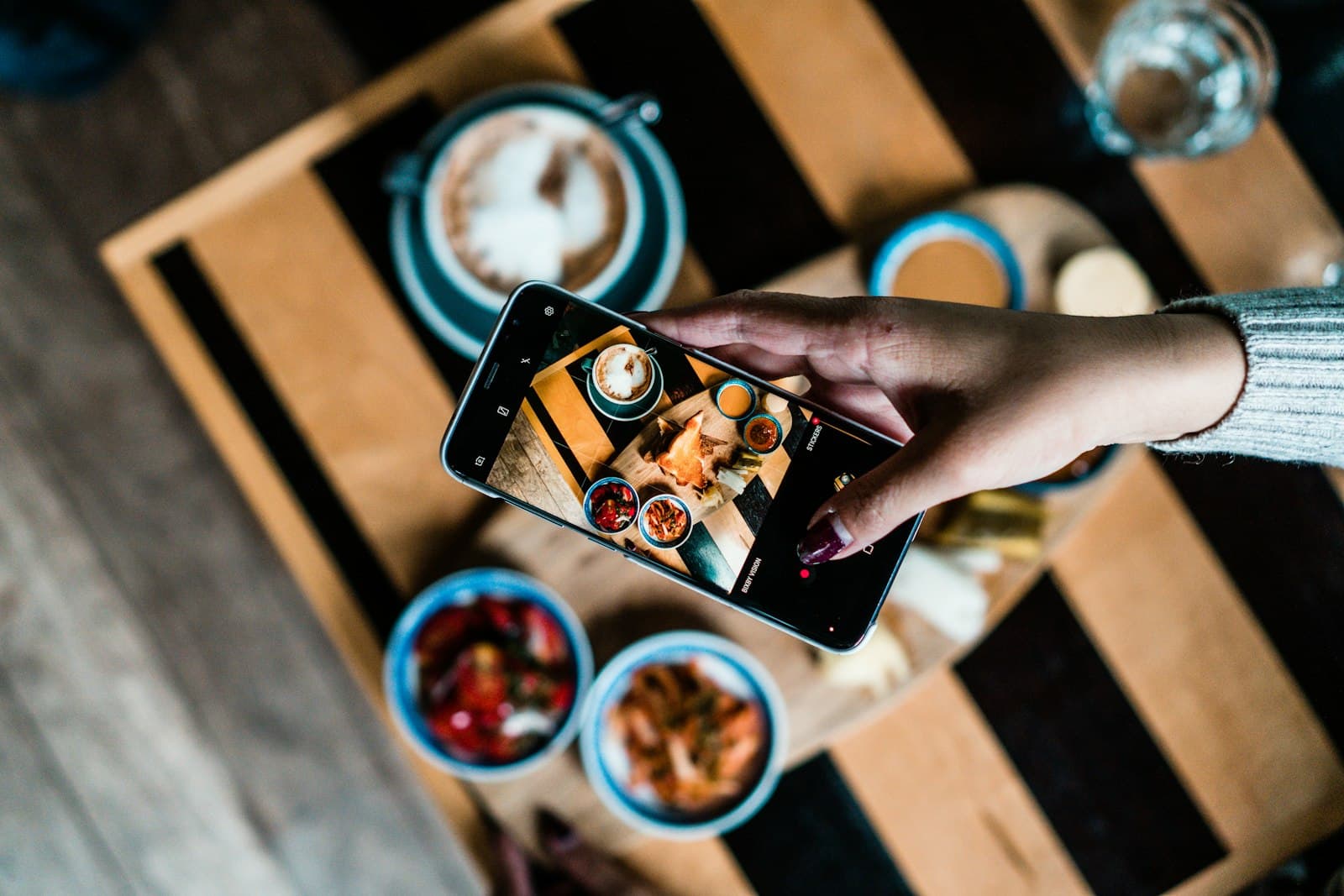
Every restaurant has the dish that guests are curious about but don’t quite order, and it’s the clearest case for augmented reality in restaurants. The description sounds good, but how big is it? Is that a sauce or a broth? Will it be enough for two to share? Without a way to see it, the table either asks the server, plays it safe with something familiar, or orders it and gets something different from what they pictured.
Augmented reality gives guests a way to see it first. They point their phone’s camera at the table and the dish appears sitting right in front of them, at its real size, where the plate would land.
How augmented reality works at restaurant tables
- The guest opens the preview on their phone — from a link, or by scanning a QR code at the table.
- They point the camera at the table. The phone finds the surface.
- A dish appears on the table in front of them, and they can move around it or lean in to look closer.
- They swipe left and right to switch between dishes, seeing each one sitting on the table in turn.
That’s it. No one has to explain it twice — swiping between things on a phone is something almost everyone already knows how to do.
Why seeing it on the table matters
A photo on a screen shows a dish, but it doesn’t show scale. A plate shot close up looks huge; a bowl shot from above looks flat. Seeing the dish on the actual table, next to their own glass and cutlery, answers the questions guests usually have to ask: how big it is, how it’s plated, and whether two of them will fit alongside everything else they want.
For the restaurant, that can help in a few practical ways:
- Fewer surprises when the plate arrives — the guest has already seen it.
- Fewer of the same questions for servers during a busy service.
- A way to show off the dishes that don’t describe well in a line of text.
- Something for a table that’s still deciding to do while the server is elsewhere.
We won’t promise it changes what people order by any particular amount. That depends on your dishes, your guests and how you introduce it. What it does is take the guesswork out of ordering something unfamiliar.
What it takes to set up
The preview is only as good as how closely it matches the real plate. A dish that looks generous in AR and arrives small does more harm than no preview at all. So each preview has to be built from the dish as your kitchen actually plates it, and updated when the plating changes.
It also makes sense to start with a handful of dishes rather than everything at once — the signature plates, the ones guests ask about most, and the ones that are hard to picture from a description. Add more once you see how guests use it.
Where it fits in the meal
Deciding what to order is part of the table turn, even if it rarely gets measured. A table that can see the options quickly is a table that’s ready when the server comes back. We cover the rest of where the minutes go in table turn times.
The link to the previews can also go out before the guest arrives — in a booking confirmation, or in a message to your opted-in guest list when a new dish launches — so people can look at what’s new before they book.
Things to keep in mind
- Not every guest will want to use it, and that’s fine. It should be there for those who do, never in the way of those who don’t.
- Servers should know it exists and be able to point a curious table to it.
- Keep it current. A dish that’s been re-plated or taken off should be updated or removed promptly.
The short version
AR previews let guests see each dish on their own table before they order it, swiping between plates on their phone. It’s a simple idea that answers the questions guests already have. If you want to see how it fits with the rest of what we do for restaurants, our restaurants page covers the whole picture.
Common questions
How does augmented reality work in restaurants?
The guest opens the preview on their phone, from a link or a QR code at the table, and points the camera at the table. The dish appears at its real size where the plate would land, and they swipe left and right to switch between dishes.
Do AR food previews change what guests order?
It depends on your dishes, your guests and how you introduce it, so we won’t promise it changes orders by any particular amount. What it does is take the guesswork out of ordering something unfamiliar: guests see the size and plating before they choose.
Which dishes should get an AR preview first?
Start with a handful rather than everything at once: the signature plates, the ones guests ask about most, and the ones that are hard to picture from a description. Each preview has to be built from the dish as your kitchen actually plates it, and updated when the plating changes.