
3D home walkthroughs: letting buyers walk the house before they visit
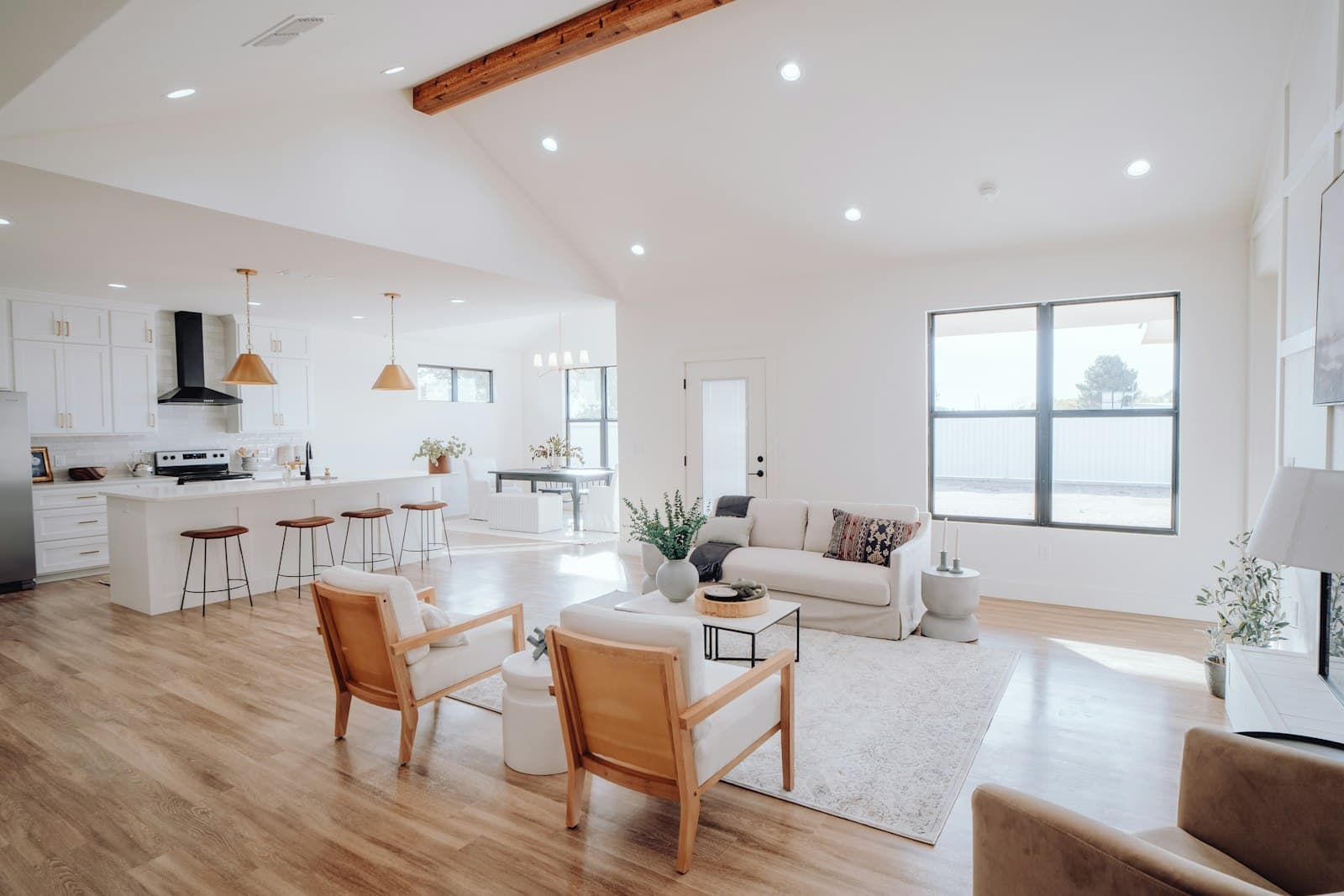
Photos tell a buyer what each room looks like. What they don’t show, and a 3D home walkthrough does, is how the rooms connect, whether the kitchen opens onto the garden, or how far the main bedroom is from the children’s rooms. Buyers work that out at the showing — or, if they can’t get to one, they don’t work it out at all.
A 3D walkthrough answers those questions before anyone gets in the car. We map the entire house into a space the buyer can move through themselves, room to room, in a web browser.
How a 3D home walkthrough gets made
The capture is one pass through the property on a phone. No scanner, no tripod rig, no specialist visit. Someone walks the home steadily, room by room, and we turn that capture into a navigable model with real dimensions. It opens in an ordinary browser — no app to download, no headset — so a buyer can look around on a laptop at eleven at night or on their phone on the train.
Who it helps most
- Buyers relocating from another city or province who can’t view in person easily.
- Couples who both work during open-house hours.
- Buyers who saw the home once and want to check something before making an offer.
- Family members helping with a decision from far away.
It also helps you. People who have already walked the house virtually and still book a showing tend to be the ones taking it seriously, and you spend less of your Saturday on visits that were never going anywhere.
Real dimensions, not guesses
Buyers want to know if their sofa fits, whether the second bedroom can take a double bed, how wide the garage is. The walkthrough lets them check measurements in the model instead of asking you to go back with a tape measure. It’s worth saying on the listing that dimensions are approximate and should be verified, as you would with any floor plan.
Before you capture
A walkthrough shows everything, which is the point, so prepare the home the way you would for photos:
- Agree with the seller on what’s captured, and remove personal photos, documents and anything valuable.
- Open doors and curtains, and turn on the lights so each room reads clearly.
- Clear surfaces and floors so the space, not the clutter, is what buyers see.
- Capture when the home is empty of people and pets.
Accurate by design
Because the walkthrough is built from a capture of the actual home, it shows the home as it is on the day — scuffs, small rooms and all. That honesty is useful. A buyer who has walked every room and still wants to visit has fewer surprises waiting for them. If something changes after the capture, like a renovation finishing, update the walkthrough rather than letting it drift from reality.
Getting it in front of buyers
A walkthrough nobody opens doesn’t do much. It goes on the listing and the property site, and it can go out automatically in the same conversation where a buyer’s enquiry was answered — “here’s the walkthrough, you can look around the whole house tonight.” That kind of timing is covered in our post on lead follow-up.
It pairs well with a reel. The reel gets attention in a social feed; the walkthrough is where an interested buyer goes next. See drone-style listing reels for how that part is made.
Using it at the listing appointment
Sellers want to know how their home will be presented. Opening a walkthrough of a past listing on a tablet — with that seller’s permission — and letting the new seller move through it themselves explains the service better than a description can. It also opens a useful conversation about preparation: once a seller sees that every room will be visible, decluttering stops being a request and becomes obvious.
After the sale, the model has other uses too. Buyers planning furniture or renovations often ask to look at it again, and it gives them a way to check a measurement without asking to visit.
What it doesn’t replace
A walkthrough doesn’t replace an inspection, and it doesn’t replace standing in the house. Buyers still need to hear the street, see the light at different times of day, and get a professional opinion on what’s behind the walls. What it removes is the wasted trip — and the buyer who couldn’t get there at all.
Where to see more
The Virtual Walkthroughs section of our real estate page shows how a walkthrough fits into a listing’s first week. For the bigger picture, start with automating a real estate business.
Common questions
How do you make a 3D home walkthrough?
With one capture pass through the property on a phone — no scanner, no tripod rig, no specialist visit. Someone walks the home steadily, room by room, and that capture is turned into a navigable model with real dimensions.
Do buyers need an app to view a virtual home tour?
No. The walkthrough opens in an ordinary web browser, with no app to download and no headset, so a buyer can look around on a laptop or on their phone.
Can a virtual walkthrough replace an in-person showing?
No. It doesn’t replace an inspection or standing in the house — buyers still need to hear the street, see the light at different times of day and get a professional opinion on what’s behind the walls. What it removes is the wasted trip, and it gives buyers who can’t get there at all a proper look round.